
Implant-supported dental prosthesis: intraoral scanner protocol
Implant-supported dental prosthesis protocol with intraoral scanner, scan body, CAD-CAM design and digital lab.
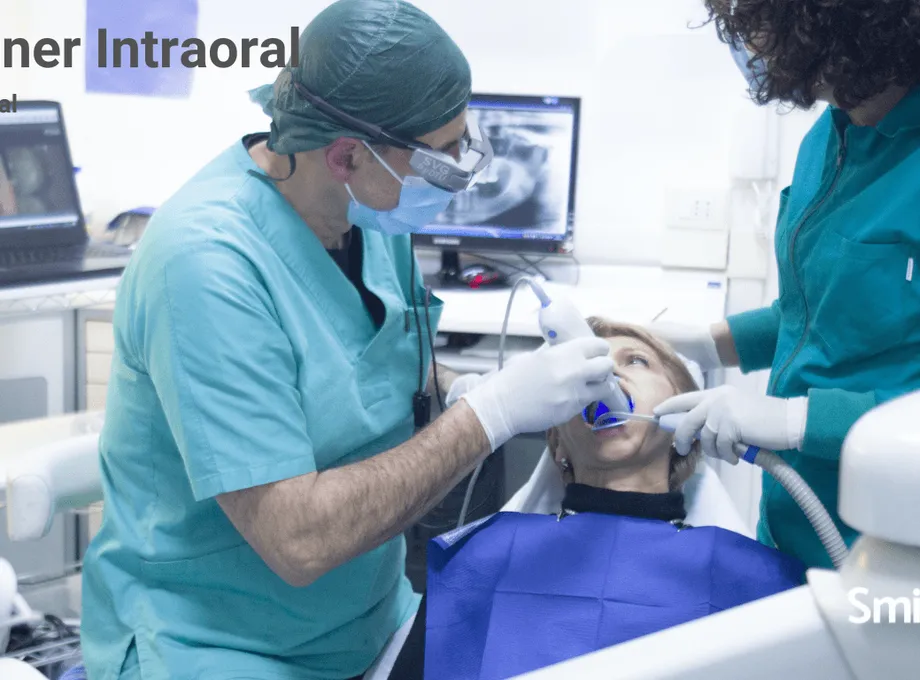
implant prosthetics requires a precise workflow between practice and laboratory: intraoral scan, scan body, occlusal records and CAD-CAM design. This article reviews the protocol for sending implant cases with greater confidence.
At Smileep we are a dental prosthesis lab specialized in manufacturing implant-supported dental prostheses through a digital workflow. We offer digital products and protocols for all restorative treatments: fixed dental prostheses, removable prostheses, dental aesthetics, 3D occlusal splints, clear aligners, guided surgery and dental 3D printing.
In this article, we explain the key advantages of a digital workflow for implant-supported dental prostheses and how it is redefining the role of the dental prosthesis lab.
What Types of Dental Prostheses Can Be Made with an Intraoral Scanner?
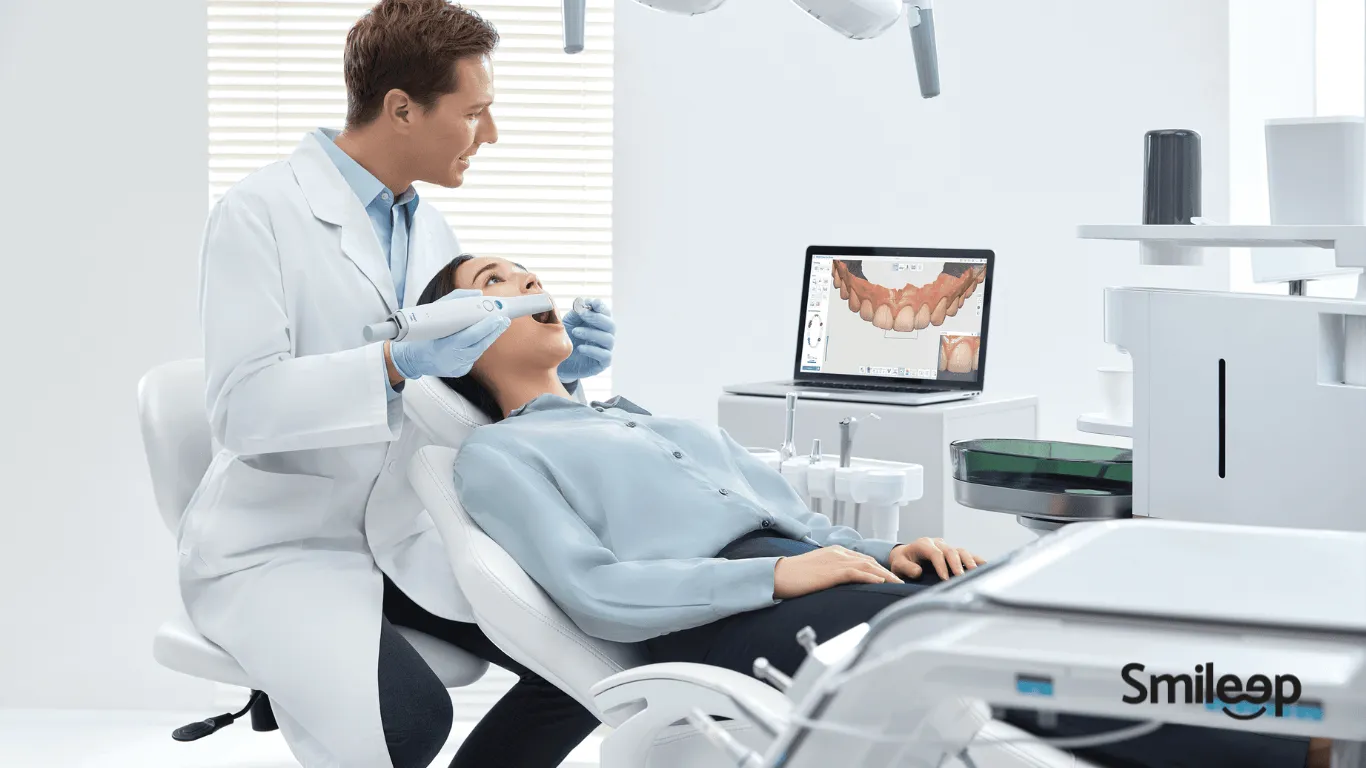
At Smileep, we produce all types of implant prosthesis work, thanks to our digital workflow protocols that guide our clients step by step, ensuring an efficient process from start to finish.
With an intraoral scanner, you can produce all types of fixed dental prostheses, from crowns and bridges to inlays, veneers and implant-supported hybrid prostheses.
The technical challenge lies in the intraoral scanning protocol for multiple implants, and it is essential to follow the specific recommendations of your scanner manufacturer. Below, we share some general tips based on our experience to help you optimize the process.
How Do You Scan for an Implant-Supported Prosthesis?
Depending on the type of restoration and the intraoral scanner brand, the scanning protocol may vary slightly. Below, we explain the basic process for producing a crown on an implant:
1 – Intraoral scan of the upper arch without Scan Body
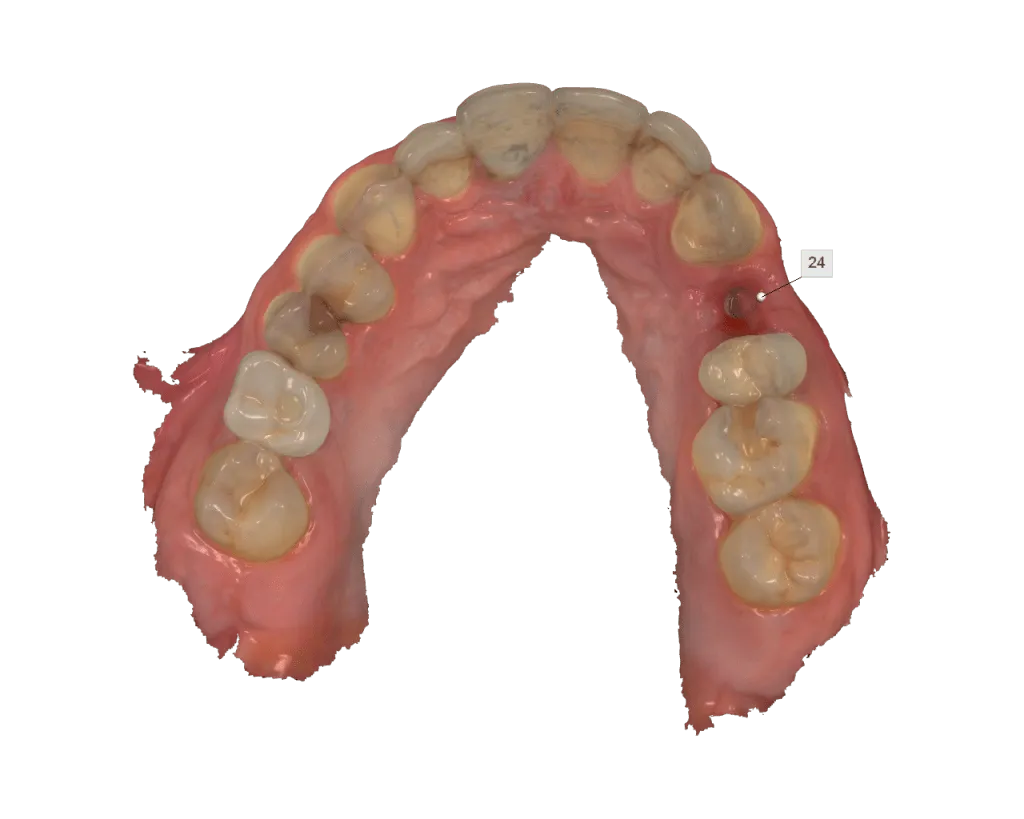
2 – Intraoral scan of the lower arch or opposing arch
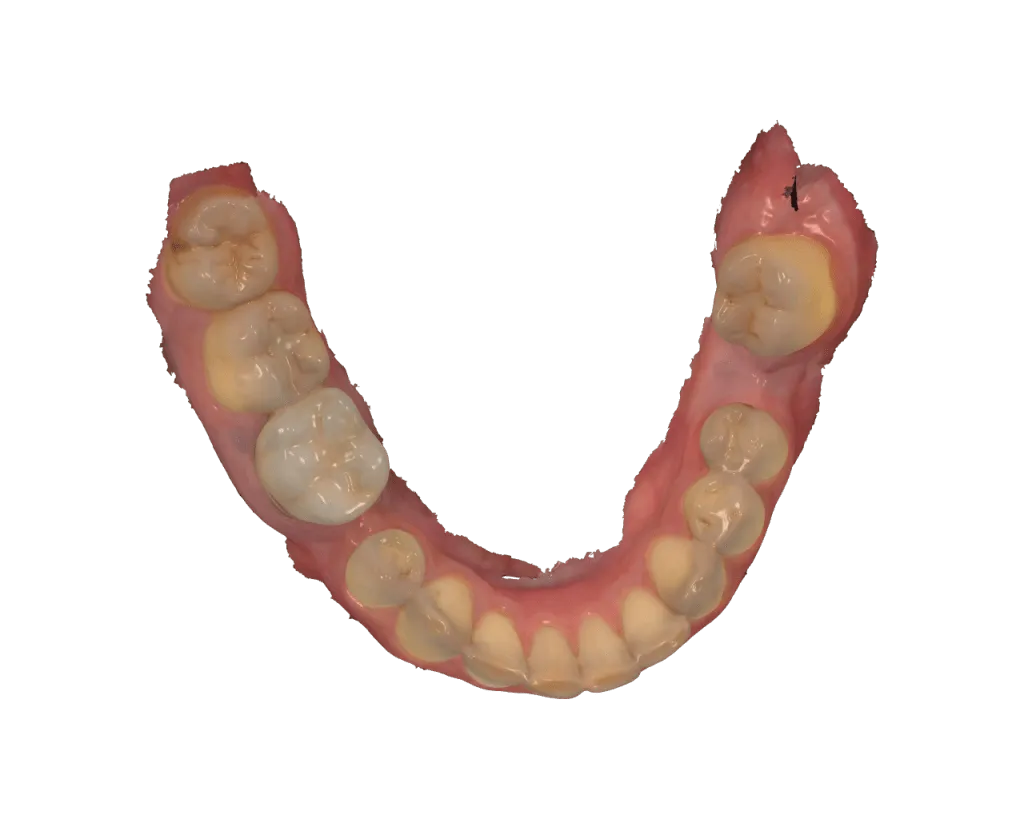
3 – Intraoral scan of the bite in occlusion
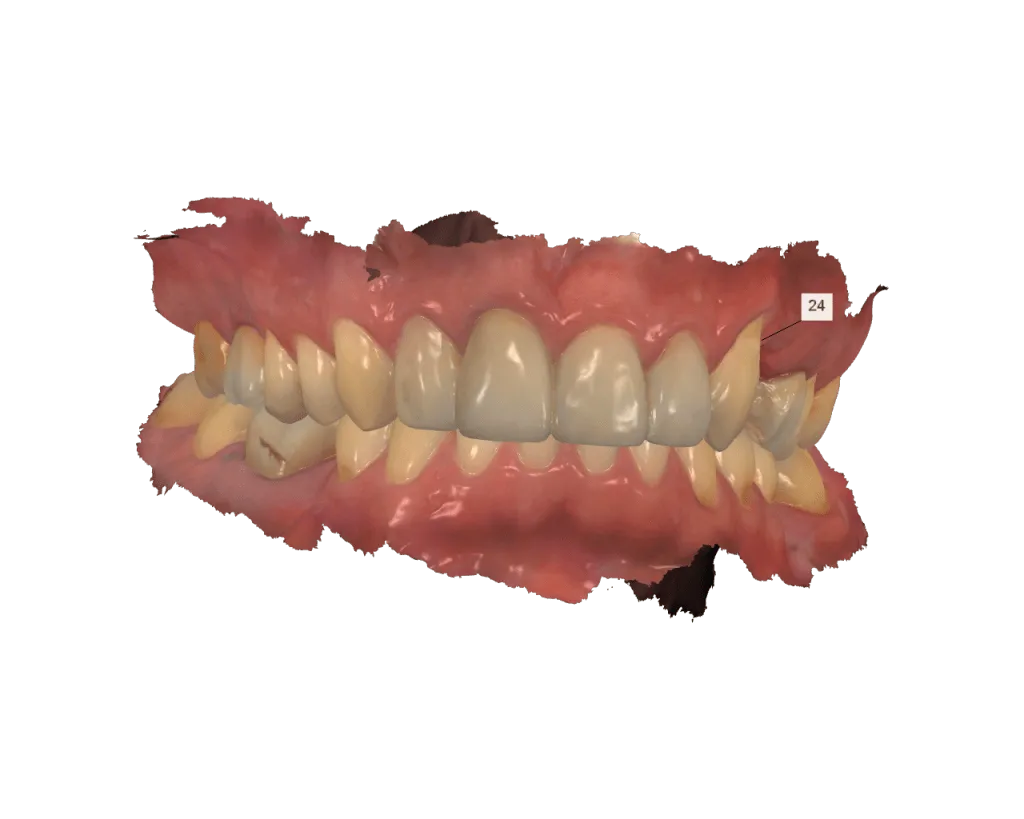
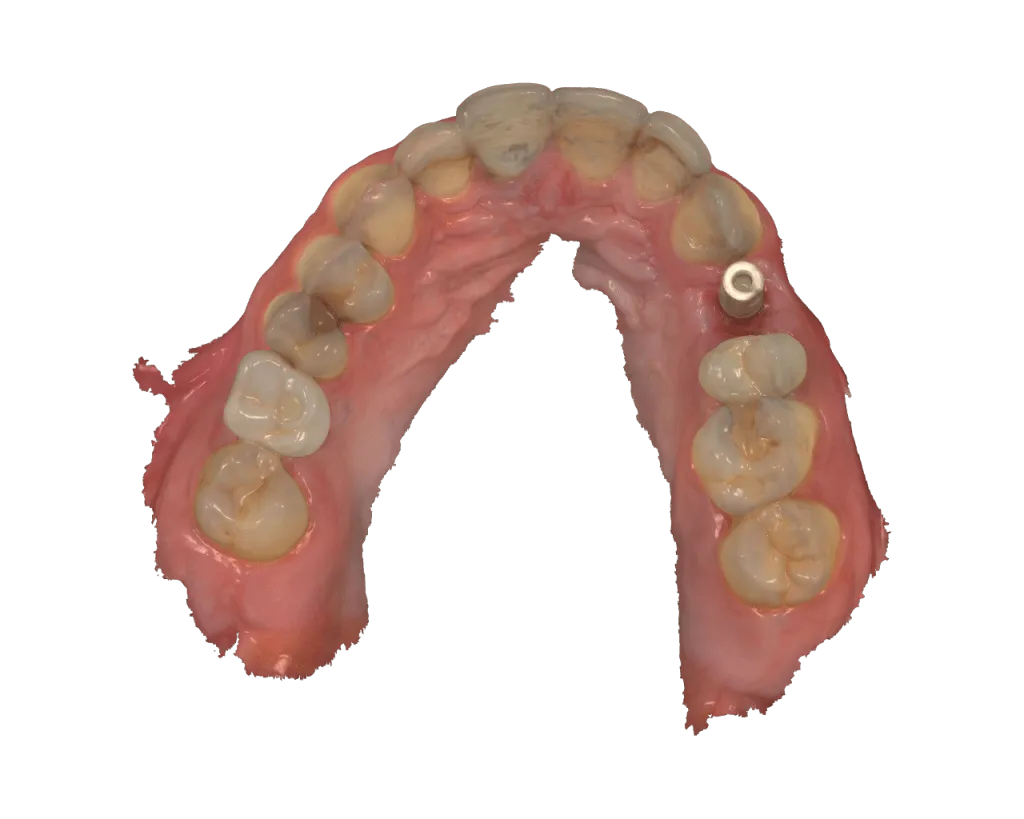
4 – Intraoral scan of the Scan Body – Implant-Supported Dental Prosthesis
The intraoral scan of the Scan Body is a crucial step in planning an implant-supported prosthesis. We always recommend taking a prior radiograph with the Scan Body in the mouth to verify that it is correctly screwed into position before sending the case to the lab. This verification supports the precision and success of the prosthesis design.
5 -Shade Taking with the Intraoral Scanner
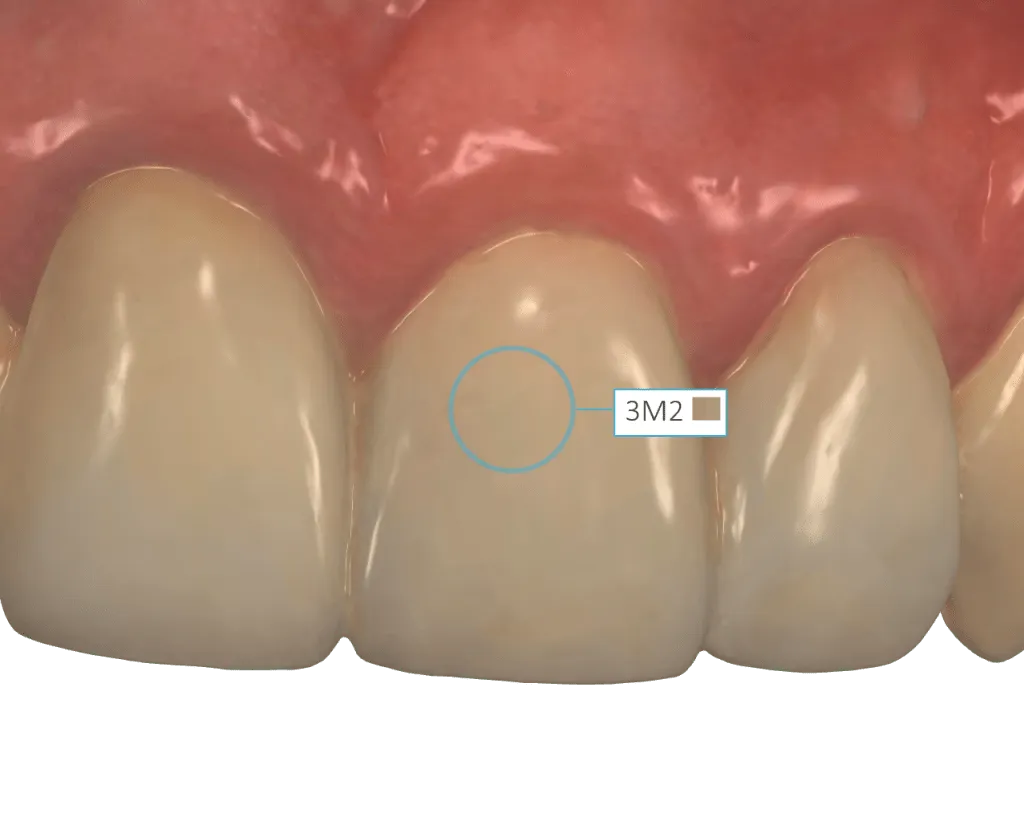
Some scanners include a built-in spectrophotometer that allows shade taking in different scales, such as Chromascop, Vita and Vita3D Master. This tool helps you communicate with the patient and with the dental prosthesis lab so you can define the final restoration shade together, based on the shade of the prepared teeth or abutments.
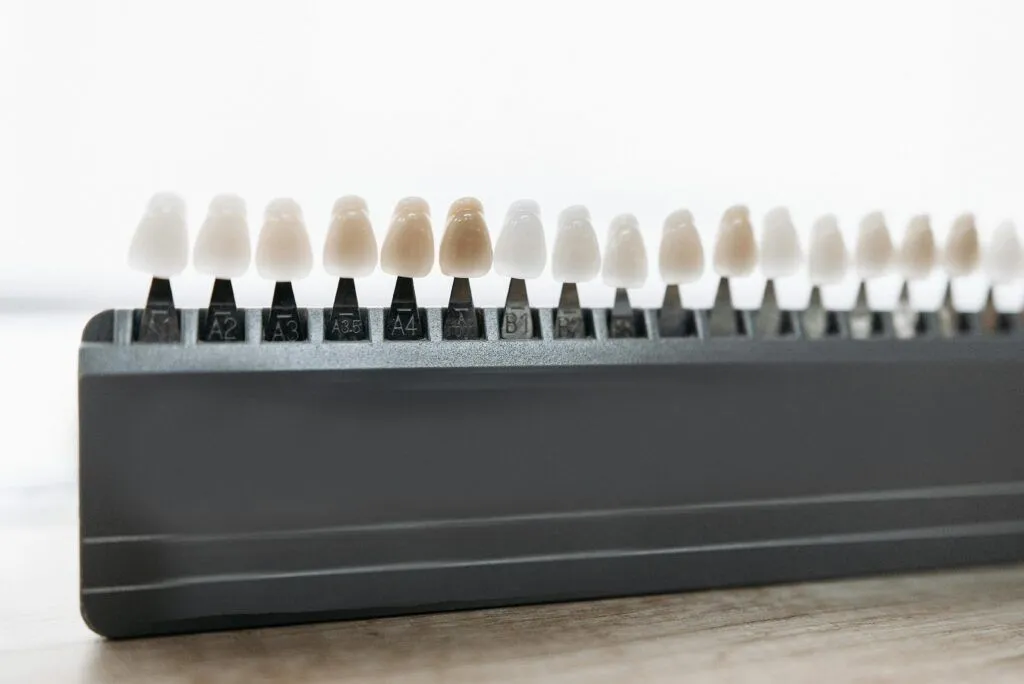
If you do not have this tool, you can still perform precise shade taking using a professional shade guide.
You can always export the digital files in STL format and send them by email to lab@smileep.com for the manufacture of the implant-supported dental prosthesis.
In our dental prosthesis lab, we offer integration with the main intraoral scanners on the market, including 3Shape, iTero, Medit and other brands, allowing us to receive digital files directly.
How Do You Scan for a Full-Arch Implant-Supported Dental Prosthesis?
The advantage of using an intraoral scanner to create fixed implant-supported dental prostheses lies in its precision and efficiency.
Intraoral scan of 6 implants with Scan Body
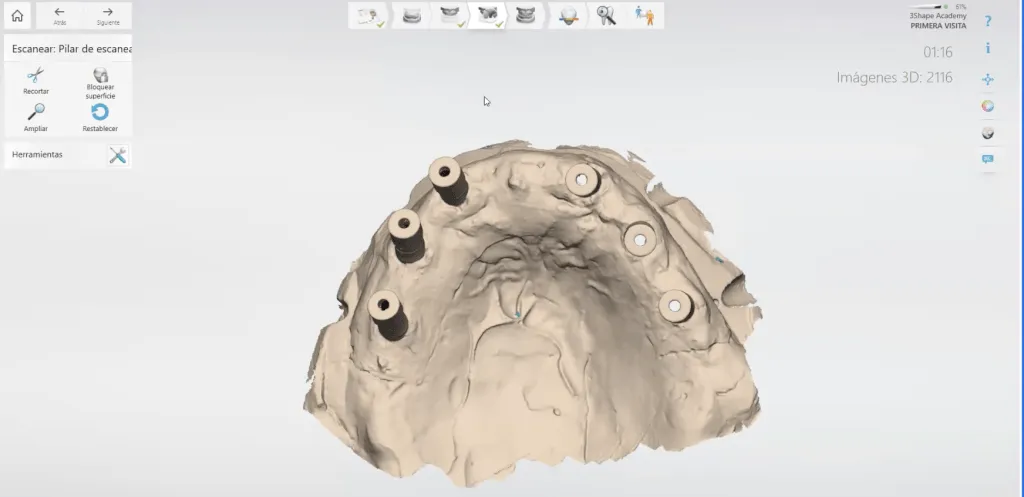
How Do You Scan a Scan Body for Implant-Supported Dental Prostheses?
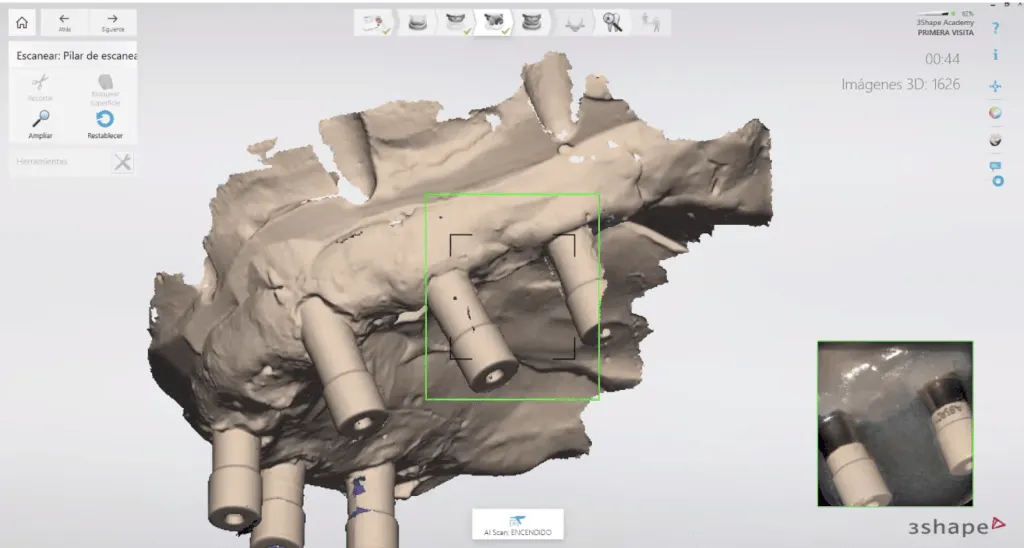
The Scan Body is a key component in digital dentistry, used to perform precise intraoral scans for implant prostheses. It connects to the implant that has already been placed, providing a visual reference that ensures exact alignment during scanning. This removes the need for uncomfortable impressions and makes it possible to create 3D digital models, ensuring an accurate fit between the prosthesis and the implant.
To scan a Scan Body for an implant-supported prosthesis, follow these recommendations:
- Make sure the Scan Body is clean and properly seated on the implant. We therefore recommend taking a radiograph to verify that it is in the correct position.
- Use an intraoral scanner configured for implant scanning. Simpler work configurations reduce scan quality.
- Finally, check the scan quality and repeat it if necessary. Confirm that all meshes display correctly, with special attention to the areas where the dental prosthesis will be produced.
An accurate Scan Body scan is essential for the success of the implant-supported prosthesis.
It has been shown that using digital tools to better explain the dental treatment you will provide significantly increases clinical case acceptance among patients.
Patient satisfaction starts in the dental prosthesis lab.